
Making a Minikin
Three steps from an idea on your phone to a figurine in your hand.
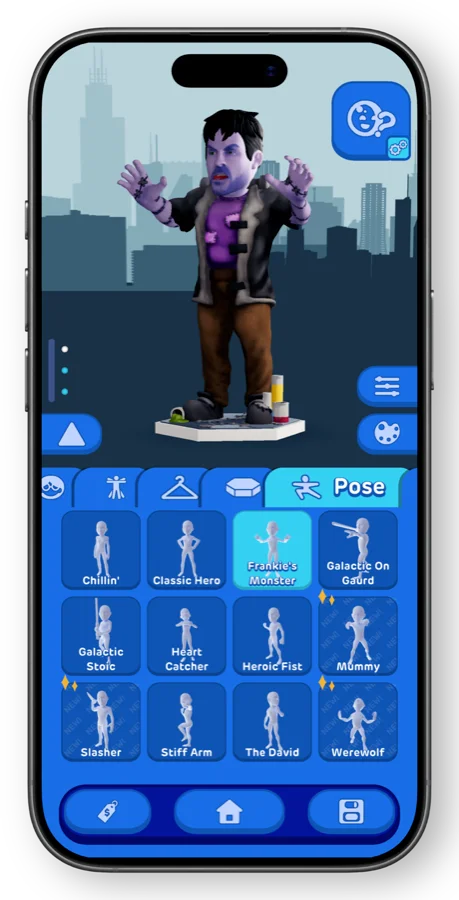
Design it in the app
Create a mini version of yourself or someone special in the Minikin app — pick hairstyles, outfits and accessories that capture their personality.
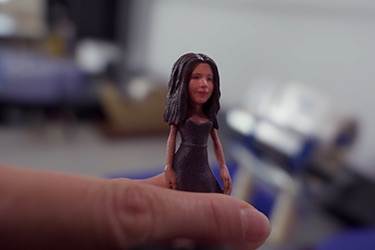
We bring it to life
Our Chicago team turns your design into a detailed, full-color figurine using advanced 3D manufacturing. Every Minikin is made to order.
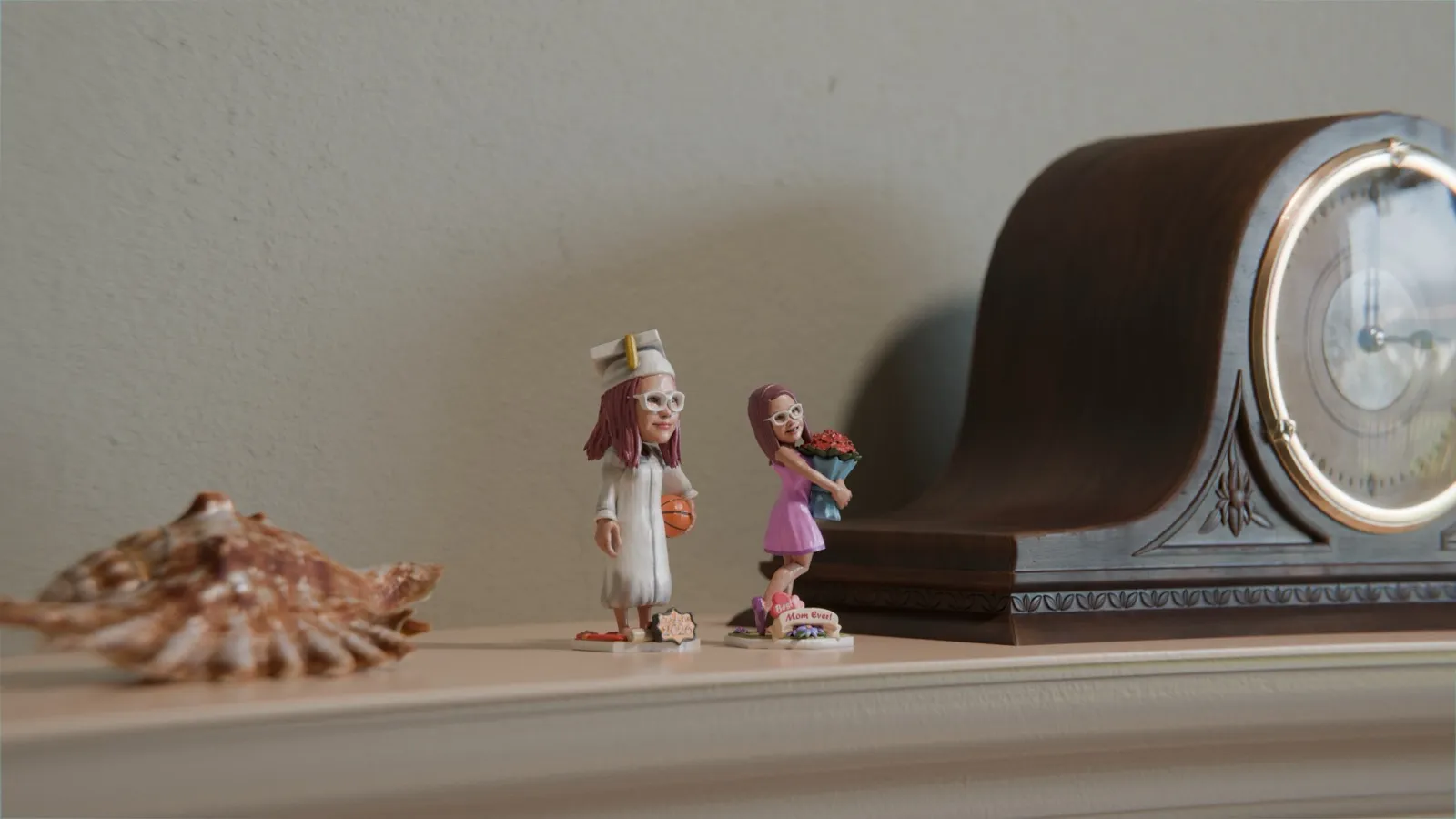
Hold, display, gift, collect
Your one-of-a-kind Minikin ships straight to your door, ready to sit on a desk, go under the tree, or join the rest of your collection.
Designing your Minikin
Pick a body type, add a photo, then make it yours.
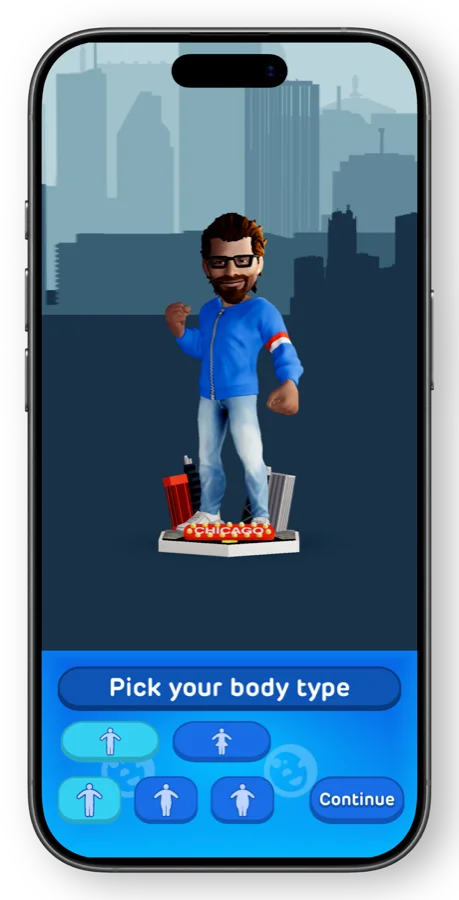 Pick a body type
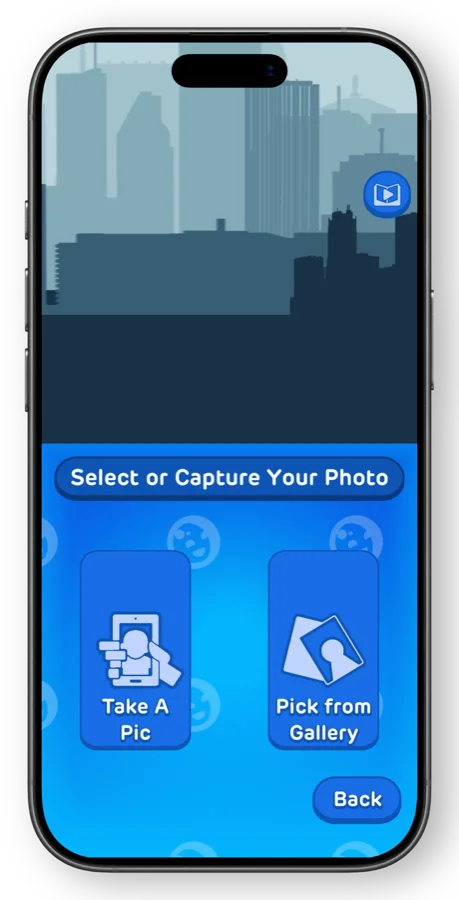 Snap a selfie or pick a photo
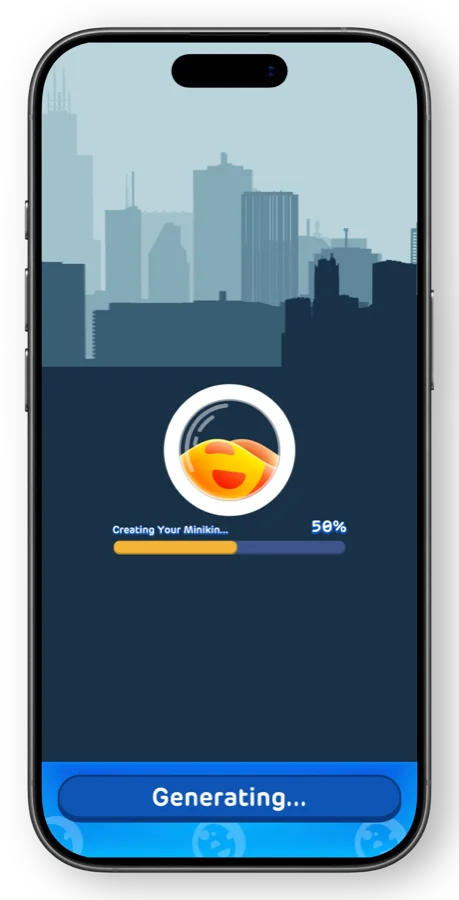 The app turns it into your Minikin
- Choose a pose, outfit and accessories
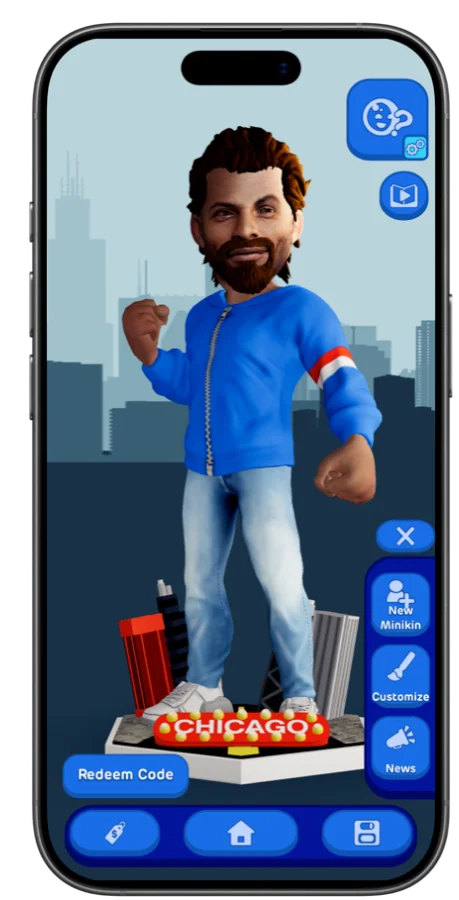 Your Minikin, ready to order
Want to become a Minikin pro?
Our tutorial videos walk through every part of the app, from your first design to advanced styling.